





Ecommerce Marketing
The Rise of Smart Bots in Ecommerce and Adobe Commerce Performance
Mahaveer Devabalan|Dec 11, 2025|Read 7 Min


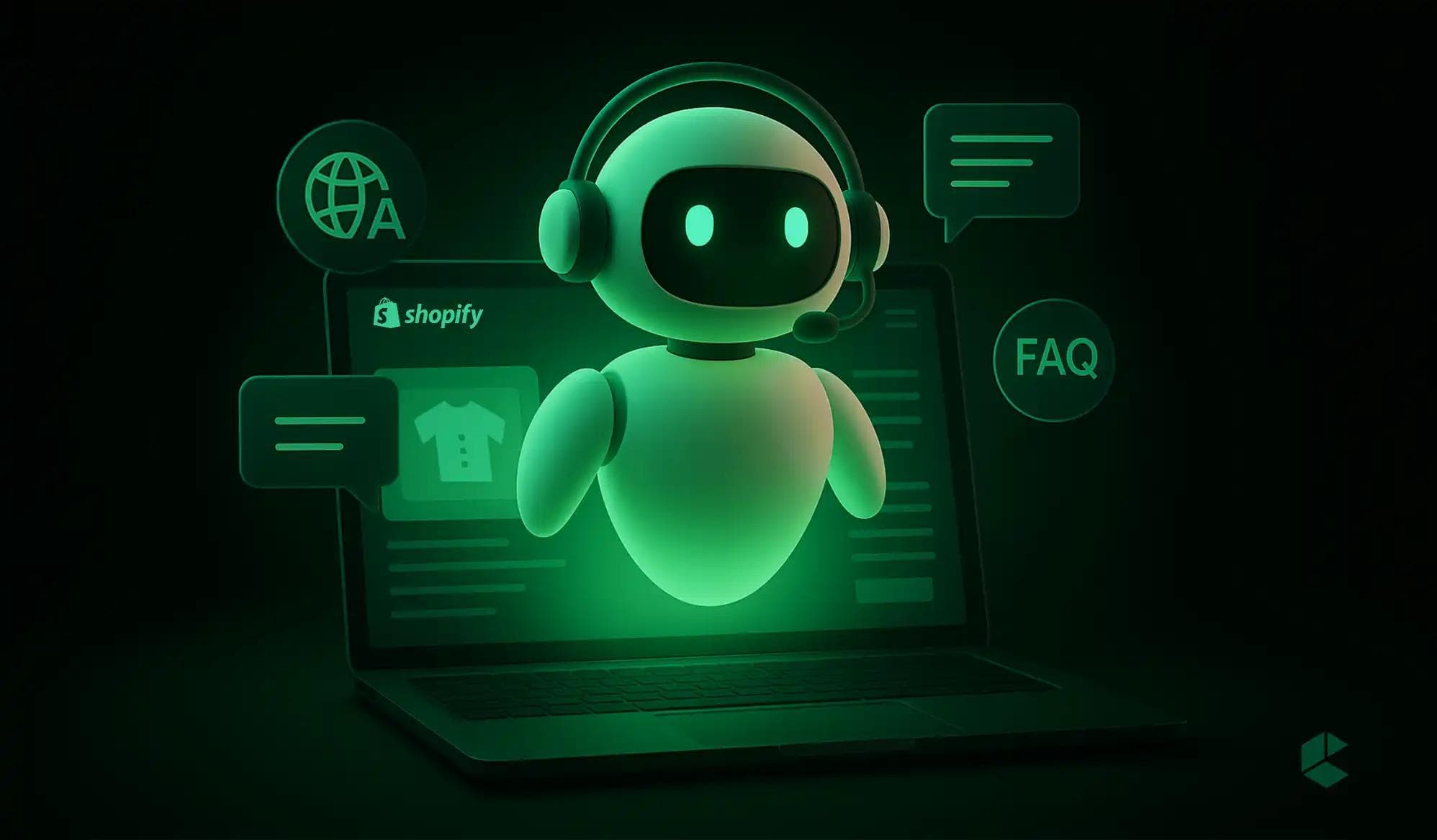
You’ve probably noticed chatbots pop up as soon as you open a well-designed website. They pop up instantly, ready to answer your questions and guide your shopping journey. If you’re running a Shopify store, you’ve probably thought about having one too: a smart assistant that talks to your customers and helps them find products and even guides them to checkout.
In this blog, we cover why AI-powered chatbots are worth adding, which features matter, and how to choose, build, and measure one for your Shopify store. First, a quick look at what they are.
AI-powered chatbots are virtual assistants that use artificial intelligence to understand what customers ask and respond in natural language. Traditional chatbots follow a fixed script and handle only the questions someone wrote answers for. An AI chatbot can interpret open-ended questions, pull answers from your catalog, policies, and help content, and, when connected to your store data, take actions such as checking an order’s status.
From a Shopify perspective, that means 24/7 support with fewer long waits for human agents. Routine questions are handled automatically so your team can focus on complex cases, and shoppers get product guidance while they browse.
Adoption is growing fast. Salesforce’s State of Service 2025 reports that AI resolved about 30% of customer service cases in 2025, and Gartner reports that 91% of customer service leaders feel pressure to implement AI in 2026. Customers are cautious, though: a 2024 Gartner survey of 5,728 customers found that 64% would prefer companies not use AI for customer service. That gap is why accurate answers and a clean handoff to a person matter as much as the bot itself.
One clarification: Shopify Sidekick is a merchant-facing assistant that helps you run your admin. It does not chat with shoppers. Customer-facing chat comes from Shopify Inbox or a third-party or custom chatbot.
While the main benefit of AI chatbots is making things easier for you, there are several specific reasons why your Shopify store should have one.
1. 24/7 Customer Support
Unlike human agents with limited working hours, chatbots are always available. Customers can get help after business hours, so you do not miss the chance to answer a question that leads to a sale.
2. Instant Answers
Chatbots answer FAQs and order-status questions in seconds. That speed improves the customer experience and shows customers you value their time.
3. Personalized Shopping Experience
Chatbots can recommend products based on what a shopper asks, their browsing, and their past purchases, like a personal shopping assistant on your store. Better recommendations can lift conversion and average order value, though results depend on the quality of your product data. For more on this, see our guide to hyper-personalization strategies.
4. Lower Support Costs
Because chatbots handle frequently asked questions and routine requests on their own, your team spends less time on repetitive tickets. That helps you keep service quality high as order volume grows, without growing the support team at the same rate.
AI chatbots are more than just a tool for answering questions. They act as smart assistants that simplify the shopping journey for your customers.
Building a smart AI chatbot for your Shopify store goes best when you work through these steps in order.
Customers also use AI assistants like ChatGPT to find products. Shopify’s Agentic Storefronts channel syndicates your catalog to assistants such as ChatGPT, Microsoft Copilot, Google AI Mode, and Gemini, so shoppers can discover and buy from you there. A chatbot on your own site answers shoppers who arrive directly, and agentic channels reach shoppers who start elsewhere. Both depend on accurate product and policy data, so keep your catalog complete.
AI-powered chatbots have evolved from an optional feature into an essential part of eCommerce. They offer excellent customer service along with increasing your sales and decreasing your operational costs. By integrating a smart chatbot, you can offer personalized, 24/7 support while freeing up your team to focus on more complex tasks.
Start building your AI chatbot today and give your customers the shopping experience they expect.
An AI chatbot is a smart virtual assistant that uses artificial intelligence to interact with customers like a human would. For Shopify stores, it provides 24/7 support, answers FAQs, recommends products, and even helps guide shoppers to checkout.
Yes! AI chatbots analyze customer behavior, past purchases, and browsing patterns to suggest products that match their preferences. It’s like having a personal shopping assistant inside your Shopify store.
They can. By handling repetitive questions and order updates automatically, chatbots reduce the volume of routine tickets your team handles. Costs vary by tool: Shopify Inbox is free, while many helpdesk AI agents charge per resolved conversation, so compare pricing against your ticket volume.
Training involves uploading FAQs, product information, and customer interaction data so the chatbot can learn and respond accurately. After deployment, you should regularly test it, track performance, gather feedback, and fine tune responses. This makes sure that your chatbot keeps improving and provides the best experience for your shoppers.
Most chatbot widgets load as an app embed that adds some script weight, so performance depends on the tool and how it is set up. Test page speed before and after installing, and remove chatbot scripts you no longer use.

Get tailored technology solutions to scale your retail business online
Request A Quote

Stay ahead with insights, trends, and brand success stories from the world of Digital Commerce.


DTECH, Techno Hub 1, Dubai Silicon Oasis Authority, United Arab Emirates - Dubai - United Arab Emirates

Level 1, Building 7, Zone A Airport road, Business Gate P.O Box 93597 Riyadh 11683, KSA.


Codilar Digital Pte Ltd, 68 Circular Road, #02-01, 049422, Singapore

7th Floor, Jupiter Block Prestige Tech Park, Kadubeesanahalli, Bellandur Amtankere, Bengaluru, Karnataka 560103

Satrio Tower, Floor 6, Unit C and D, Desa/Kelurahan Kuningan Timur, Kec. Setiabudi, Kota Adm. Jakarta Selatan, Provinsi DKI Jakarta